What is an MCP server? A plain-English guide for 2026
An MCP server is a small program that lets an AI agent such as Claude Code, Cursor or Codex work with an outside service: your files, a database, a browser, an issue tracker. Here is how it works, how to connect one and what the risks are.
Contents12 sections
What is MCP in simple terms?
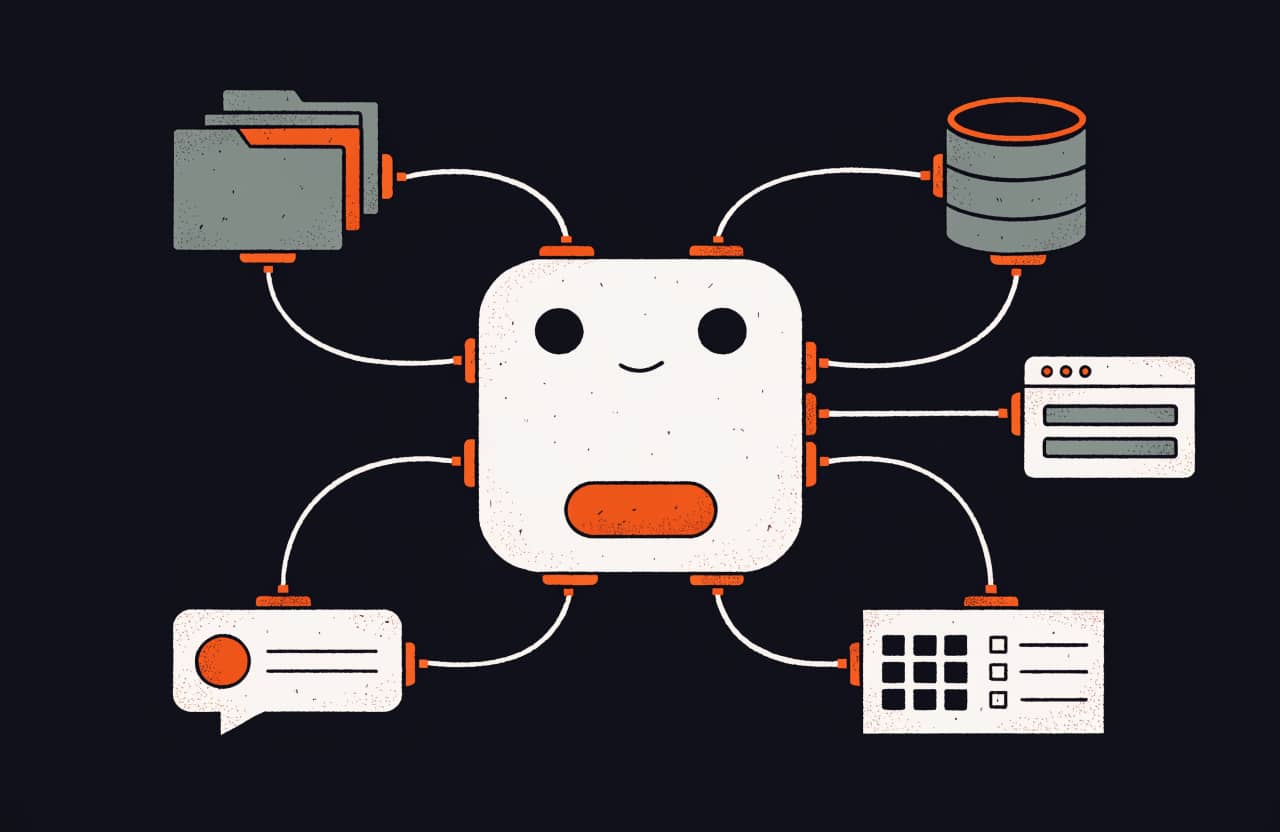
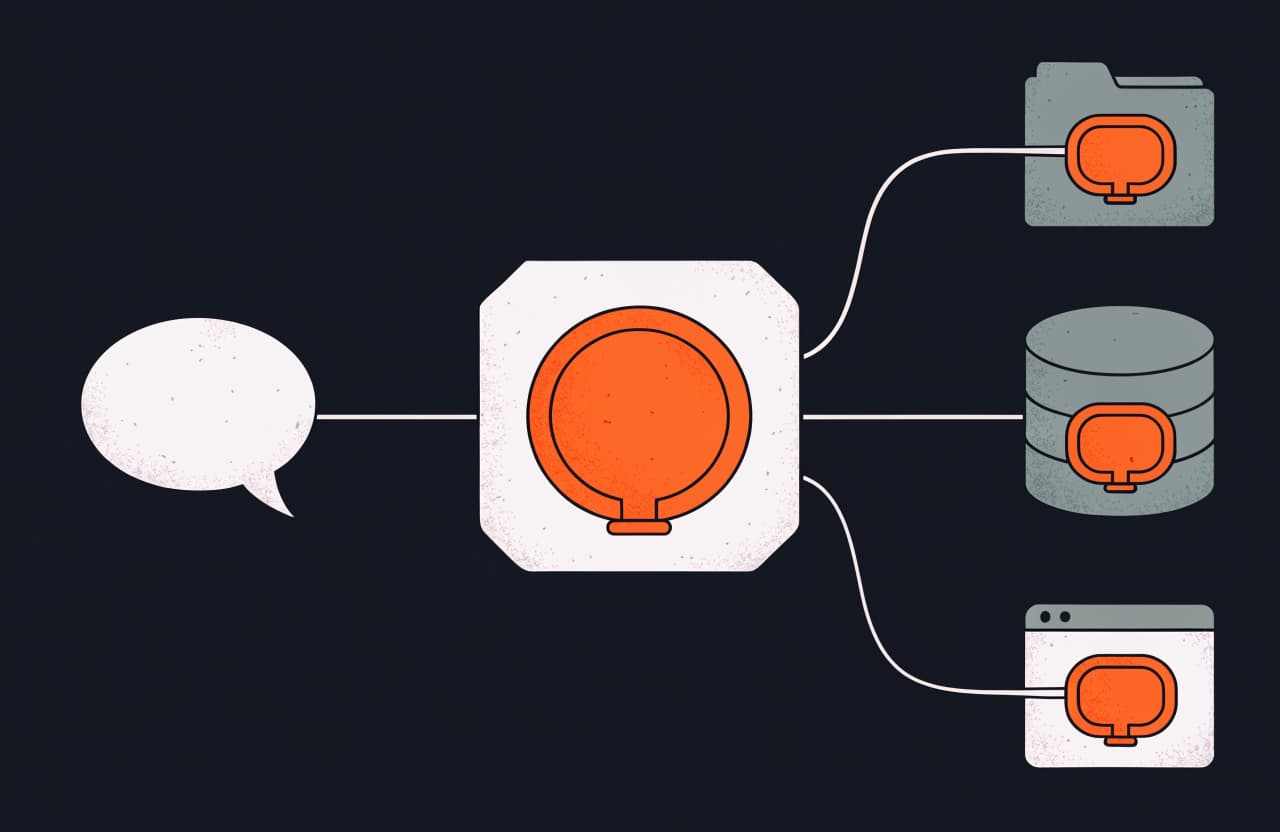
MCP (Model Context Protocol) is an open protocol that agents use to connect to services. A model on its own can only answer with text. It can't see your files, open a website or look inside your CRM. An MCP server gives it that access: the agent calls one of the server's tools, the server performs the action in the service and returns the result. The protocol documentation compares MCP to a USB-C port, one standard plug for any device.
Anthropic released the protocol in November 2024, and it became a shared standard for agents from different companies. Claude Code, Claude Desktop, Cursor, Codex, VS Code and Gemini CLI all support it, and the same server connects to any of them. The MCP server catalog on SkillFoxx lists more than 1,500 entries, each with a description, an access level and an install command.
How does an MCP server work?
There are three parties involved:
- The client: the agent you work in, for example Claude Code or Cursor.
- The MCP server: a separate program that knows how to work with one particular service.
- The service: whatever needs to be reached, such as an API, a database, the file system or a browser.
When it connects, the server tells the agent what it can do. Its capabilities come in three kinds. Tools perform actions, for example "find an issue" or "open a page". Resources expose data for reading: files, records, documents. Prompts store ready-made request templates. When you give the agent a task, it picks a suitable tool on its own, calls it and keeps working with the response.
An example: you tell Claude Code "check that the sign-up form on the site works". The agent calls the tools of Playwright MCP, which opens a browser, fills in the fields, clicks the button and reads the page's response. Without the server, the agent could only describe how you might test it yourself.
What is the difference between a local and a remote MCP server?
A local server runs on your computer, usually started with npx or uvx. The agent talks to it directly, and your data goes only to the service itself. Servers for files, browsers and local databases work this way.
A remote server lives on the internet, and the agent connects to it by URL over HTTP. There is nothing to install. Sign-in often goes through OAuth, meaning you log in with your account on the service instead of pasting keys by hand. The official Figma, Notion and GitHub servers work like this.
A remote server is easier to connect. For work data and anything involving money I'd pick a local one, running on your machine with a token that has the narrowest permissions possible.
MCP vs API: what's the difference?
A service's API is built for programmers, and every integration needs its own code. An MCP server wraps the same API in tools with descriptions a model can understand, following one shared standard. A server written once works in Claude, Cursor, Codex and other agents without changes.
Most servers call the service's API under the hood. So you need the same key or token as for the API, and the API's rate limits still apply through MCP.
MCP vs skills: which one do you need?
A server gives the agent access to a service. A skill explains how to do the work: the steps for a task, the output format, the mistakes to avoid. The Figma server lets the agent read a design; a front-end skill tells it how to turn that design into a component that follows your team's rules. You usually install them as a pair. Skill collections are in the skills section and in my roundup of the best Claude Code skills.
Examples of MCP servers from the catalog
- Figma MCP, from Figma itself, passes the design file to the agent, so the resulting markup is more accurate than one built from a screenshot.
- Context7 puts current library documentation into the context, so the agent doesn't write code against an outdated API.
- GitHub MCP Server gives the agent access to issues, pull requests and repository code.
- Chrome DevTools MCP shows the agent the console, network requests and performance data of a page in Chrome.
- Notion MCP searches and edits Notion pages and databases.
- Sentry MCP, the official Sentry server, lets the agent search issues, inspect events and traces and run root cause analysis.
- Postgres MCP Pro gives the agent DBA tools for PostgreSQL: index tuning, EXPLAIN plans, health checks and a read-only mode.
- Reference MCP servers from the protocol's maintainers include Filesystem, Fetch, Git, Memory and Time, and they are a good starting point if you plan to write your own.
How do you add an MCP server to Claude Code, Cursor and Codex?
Each agent has its own config file, but the pattern is the same: point it at the command that starts the server (or at the server's URL) and pass a token. In Claude Code you add a server with claude mcp add, in Cursor with an entry in .cursor/mcp.json, in Codex with codex mcp add. Every server card in the catalog has a ready-made command for your agent.
The quickest route is the SkillFoxx installer. The command npx skillfoxx add mcp/playwright-mcp finds your agent's settings, shows the risk level and adds the server.
Are MCP servers safe?
An MCP server works with your real data and your real permissions. A noticeable share of the servers in the catalog carry a high risk level: they run code, write to databases, send messages or handle money. Servers that only read data get a low risk level.
- Start with read-only servers.
- Issue a token with the narrowest permissions, and keep it out of any file that goes into git.
- Prefer official servers built by the service's own developers.
- Text a server pulls in from an outside source can contain instructions aimed at the agent (prompt injection). Confirm the actions the agent takes after reading someone else's data.
Each server card shows its risk level and the reasons for it. A summary table for the whole catalog is on the audits page.
Are MCP servers free?
Most MCP servers are open source and free. You pay for the service itself if it's a paid one: API usage, an analytics subscription, model requests. I don't quote prices because they change; check the service's pricing on the day you connect. If a server has a paid version, its card says so.
Which MCP server should you use for which task?
- Building UI from a design: Figma MCP.
- Current library docs: Context7.
- Issues and repository code: GitHub MCP Server.
- Testing a site in a browser: Playwright MCP and Chrome DevTools MCP.
- Knowledge base and notes: Notion MCP.
- Production errors: Sentry MCP.
- PostgreSQL performance: Postgres MCP Pro.
- Not sure what you need: Foxx AI suggests servers and skills that match your stack.
Short glossary
MCP: an open protocol that AI agents use to connect to outside services.
MCP server: a program that sits between the agent and a service.
Tool: an action the server offers the agent, such as "find an issue".
Resource: data the server exposes to the agent for reading.
Client: the agent that connects to the server, for example Claude Code.
OAuth: signing in with your account on the service instead of handing over keys manually.
Skill: a folder with instructions that teaches the agent how to approach a task.
Where to go next
Open the MCP section, pick a read-only server for your task and connect it in a test project. Then read how skills work: together with a server, they give the agent both access and a way of working.
Tools from this post
Match with Foxx AI- Playwright MCPMicrosoft's official MCP server for driving a browser with Playwright through the accessibility tree, no screenshots needed
- Figma MCP ServerFigma's official MCP server: code from a selected frame, design system variables and components, and writing designs to the canvas
- Context7Up-to-date, version-specific library docs and code examples in your agent's context, via MCP or a CLI plus skill
- GitHub MCP ServerGitHub's official MCP server: code, issues, pull requests, Actions and security alerts straight from the agent
- Chrome DevTools MCPThe Chrome DevTools team's official MCP server: the agent drives a live Chrome, reads network and console, and records performance traces
- Reference MCP serversOfficial reference MCP servers: Filesystem, Fetch, Git, Memory, Sequential Thinking, Time and Everything
- Yandex Metrika MCP server, hardened read-only forkA read-only MCP server for the Yandex Metrika Stat API, a fork of atomkraft with npx install and fixed report dates
- python-1c-mcpA PyPI-published read-only MCP server for standard 1C:Enterprise OData 8.3.5+: schema, filtered queries, record lookup by Ref_Key
Questions and answers
What is MCP in simple terms?
An open standard that lets AI agents connect to outside services. An MCP server acts as an adapter between the agent and the service: the agent asks, the server performs the action in the service and returns the result.
What is the difference between MCP and an API?
An API is built for programmers, and each service needs its own integration code. An MCP server wraps the API in tools a model can understand, following one standard, so a single server works in Claude, Cursor, Codex and other agents.
What is the difference between MCP servers and skills?
A server gives the agent access to a service, and a skill explains how to approach a task. They are meant to be used together.
Are MCP servers free?
Most MCP servers are free and open source. You pay for the service itself if it is paid, for example API usage or a subscription.
Is it safe to connect an MCP server?
It depends on its permissions. Start with read-only servers, give tokens the narrowest permissions and check the risk level on the server's card before installing.
How do I build my own MCP server?
The easiest way is the protocol's official SDK for Python or TypeScript: you describe the tools and what they do, and the SDK handles the conversation with the agent. The reference servers from the protocol's maintainers are good working examples.
About the author

SkillFoxx on Telegram
New skills and MCP servers from the catalog, plus fresh blog posts.
SubscribeDiscussion
No questions or comments yet.