What are Agent Skills? How AI agent skills work and how to install them
An Agent Skill is a folder with a SKILL.md file that teaches an AI agent one task, such as proofreading text, building a slide deck or reviewing code. Here is how skills are built, which agents run them and what the risks are.

Contents11 sections
What are Agent Skills in plain terms?
A skill is a folder with instructions. It must contain a SKILL.md file: a short name and description at the top, the step-by-step procedure below. Scripts, references and templates can sit next to it. The agent reads the description, works out when the skill is useful, and only then loads the rest.
Anthropic created the format and later published it as an open standard. It's documented at agentskills.io, and dozens of products support it, including Claude Code, Cursor, Codex, GitHub Copilot, Gemini CLI, Goose, Kiro and OpenCode. A skill written to the spec works in any of them. I checked the client list on the standard's site on October 29, 2026.
In short, a prompt lives inside one conversation, while a skill sits on disk and switches on by itself when a task fits.
What's inside a skill folder?
Per the agentskills.io spec, a skill folder looks like this:
my-skill/SKILL.md(required)my-skill/scripts/for code the agent runsmy-skill/references/for documents read as neededmy-skill/assets/for templates and data
Only SKILL.md is required. Its frontmatter has two fields. name is up to 64 characters of lowercase letters, digits and hyphens, and must match the folder name. description is up to 1,024 characters. The description should say two things: what the skill does and when to use it. The agent decides whether to load the skill from it. A vague "helps with PDFs" works worse than "extracts text and tables from PDFs and fills in forms; use when the user mentions PDFs".
Optional fields are license, compatibility (environment requirements, up to 500 characters), metadata and an experimental allowed-tools field that lists pre-approved tools.
How does an agent load a skill, and why does it save context?
The agent reads skills in three steps. Both the spec and Anthropic's docs describe it this way.
- At startup only the name and description of each skill go into context, roughly 100 tokens per skill.
- When a task matches a description, the agent reads the whole SKILL.md. The recommended body size is under 5,000 tokens and 500 lines.
- Scripts and references load only if the instructions point to them. A script's code doesn't enter the context, only its output does.
That's why you can keep dozens of skills on disk without paying for them in the context window until you need them. It's the main difference from a long system prompt, which takes space in every request.
Agent Skills vs MCP: what's the difference?
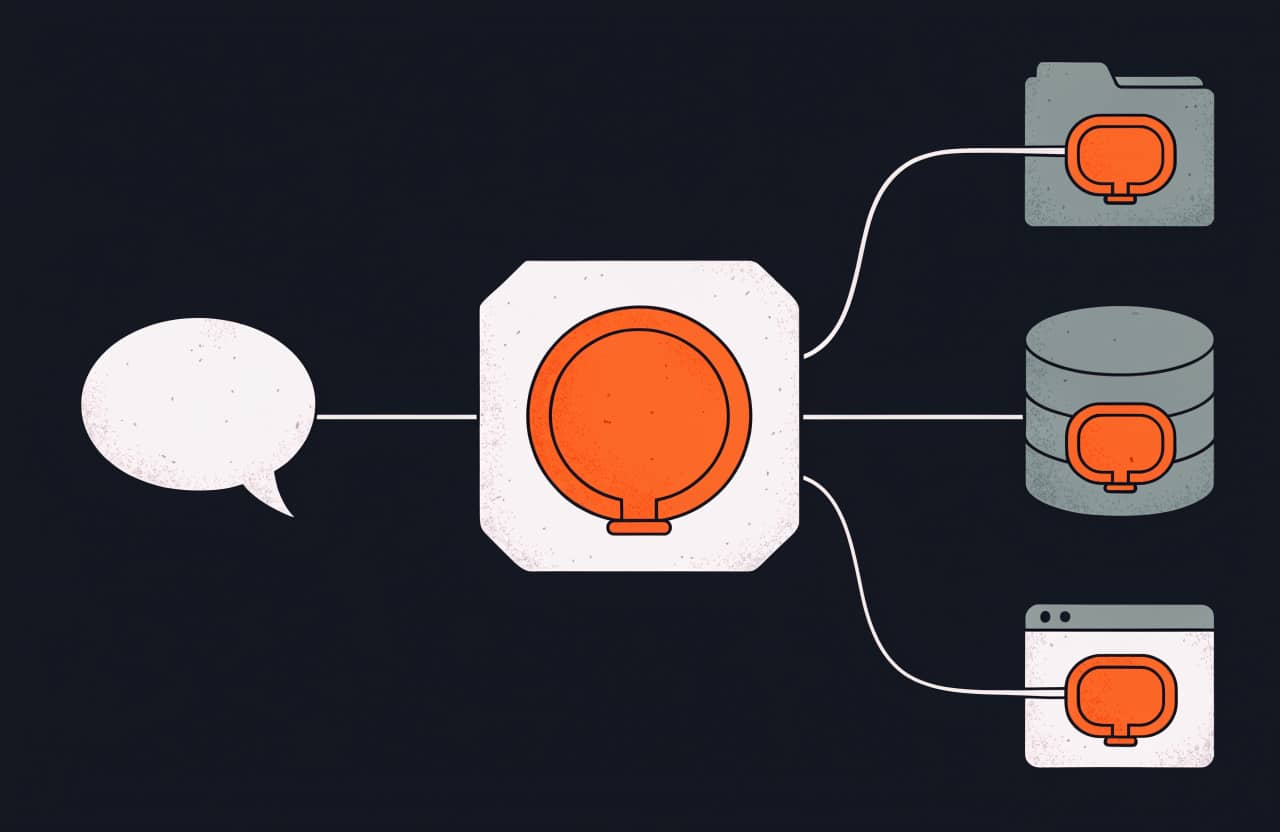
They solve different problems and don't replace each other. An MCP server gives the agent hands: access to a database, an API, email or a browser. A skill gives it a procedure: how to do the task, what format to return and which mistakes to avoid.
For example, the Figma MCP server lets the agent read a design. A front-end skill explains how to turn that design into a component by your team's rules. They're often installed as a pair. I cover servers in more detail in what an MCP server is.
Where do skills work in Claude?
Anthropic's docs separate a few surfaces for Claude, and skills don't sync between them.
- Claude Code: skills live in
~/.claude/skills/(personal) or.claude/skills/(project). They have the same network access as any program on your computer. Claude Code doesn't ship the prebuilt document skills (PowerPoint, Excel, Word, PDF). - claude.ai: you upload custom skills as a zip in settings. They're available on Pro, Max, Team and Enterprise plans with code execution turned on. A custom skill is visible only to you, with no org-wide sharing.
- Claude API: skills run through the code execution tool, in a container with no network access and no package installs. An uploaded skill is available to the whole workspace.
Other agents use their own skill folder paths, so check each product's docs. Installers such as npx skills add put the folder in the right place for you.
What ready-made skills are available?
Anthropic has four prebuilt document skills: pptx, xlsx, docx and pdf. They work on claude.ai and through the API. Anthropic also publishes open skills in the anthropics/skills repository.
The rest comes from the community. The skills section of the catalog is sorted by task, and each card has a description, an install command and an access level. To start, I'd look at three areas:
- Text without AI tells: Humanizer and stop-slop.
- Interfaces: UI UX Pro Max and Impeccable.
- A set of development workflows: the Superpowers plugin.
My picks by task are in the best Claude Code skills, with a separate list of UI design skills.
Are third-party skills safe to install?
A skill is instructions and code that the agent runs with your permissions. Anthropic's docs say to use skills only from trusted sources and to audit third-party ones before running them. A malicious skill can make the agent call tools and run code against its stated purpose, and in the worst case leak data or gain access to your system.
What I check before installing:
- Every file in the folder besides SKILL.md: scripts, images, nested references.
- Network calls and file access that have nothing to do with the skill's task.
- Data fetched from external URLs. Fetched text can carry hidden instructions, and even an honest skill becomes risky if its dependencies change.
- The permissions the skill asks for, such as a wide allowed-tools list.
Every skill card in the catalog shows an access level, which is a first hint about where to look.
How do you write your own skill?
A minimal skill is one folder and one file. The SKILL.md frontmatter needs two lines between --- markers:
name: weekly-reportdescription: Builds a weekly report from tracker tasks. Use when asked for a report for the week.
Below the frontmatter, the body of SKILL.md lists the steps and shows an example of a finished report. You can validate the format with the reference tool from the agentskills repository: skills-ref validate ./weekly-report.
Which tool should you use for which task?
- Teach the agent your procedure: write your own skill.
- Give the agent access to a service or database: use an MCP server, see what an MCP server is.
- Remove AI tells from text: Humanizer and stop-slop.
- Tidy up an interface: UI UX Pro Max.
- Not sure what to search for: Foxx AI matches skills to your project.
Short glossary
Skill: a folder with SKILL.md that teaches an agent how to do a task.
Agent Skills: the open skill format supported by Claude Code, Cursor, Codex and other agents.
MCP server: a program that gives an agent access to outside services and data.
Progressive disclosure: the agent first reads only a skill's name and description and loads the rest when needed.
Context: the amount of text an agent keeps in mind within one conversation.
What should you do next?
Open the skills section, pick one skill for your task and install it on a test project. Before installing, go through the four checks above. After a week you'll know which skills stay in your workflow.
Tools from this post
Match with Foxx AI- Humanizer RUAn editor for AI-written Russian text: removes bureaucratese, cliches and 38 AI patterns while keeping facts intact
- Stop SlopA short skill with strict rules that removes stock AI phrases and structures from prose
- UI UX Pro MaxA skill with a searchable base of styles, palettes, font pairings and UX rules that generates a design system per product type
- ImpeccableA frontend design skill with 23 commands, live browser iteration and 61 detector rules for common AI-generated UI tells
Questions and answers
What are Agent Skills?
An open format: a folder with a SKILL.md file that holds a name, a description and instructions for an AI agent. Anthropic created it, and Claude Code, Cursor, Codex and other agents now support it.
How is a skill different from a prompt?
A prompt works within one conversation. A skill is stored on disk and loads by itself when a task matches its description. Until then only the name and description are in context.
Are Claude skills and Agent Skills the same thing?
Claude skills are built on the Agent Skills format. A skill written to the spec works in Claude and in other compatible agents.
Where are skills stored in Claude Code?
In `~/.claude/skills/` for personal skills and in `.claude/skills/` inside a project.
Do I need a skill instead of MCP or alongside it?
Alongside. MCP gives access to a service, the skill explains how to work with it.
Is it risky to install skills from the internet?
Yes, there is some risk. A skill runs code and instructions with your permissions, so read every file in the folder and check its network calls before installing.
About the author

SkillFoxx on Telegram
New skills and MCP servers from the catalog, plus fresh blog posts.
SubscribeDiscussion
No questions or comments yet.